
Driver compatibility
The driver, LED load and control method must be evaluated together. A protocol label does not guarantee the same low-end behavior across every pairing.
Shape the light around your room. Recall useful scenes with Toyama smart lighting control.
Begin with how the space is used.
Shape ambient, task and accent light.
Recall the selected scene from the wall.
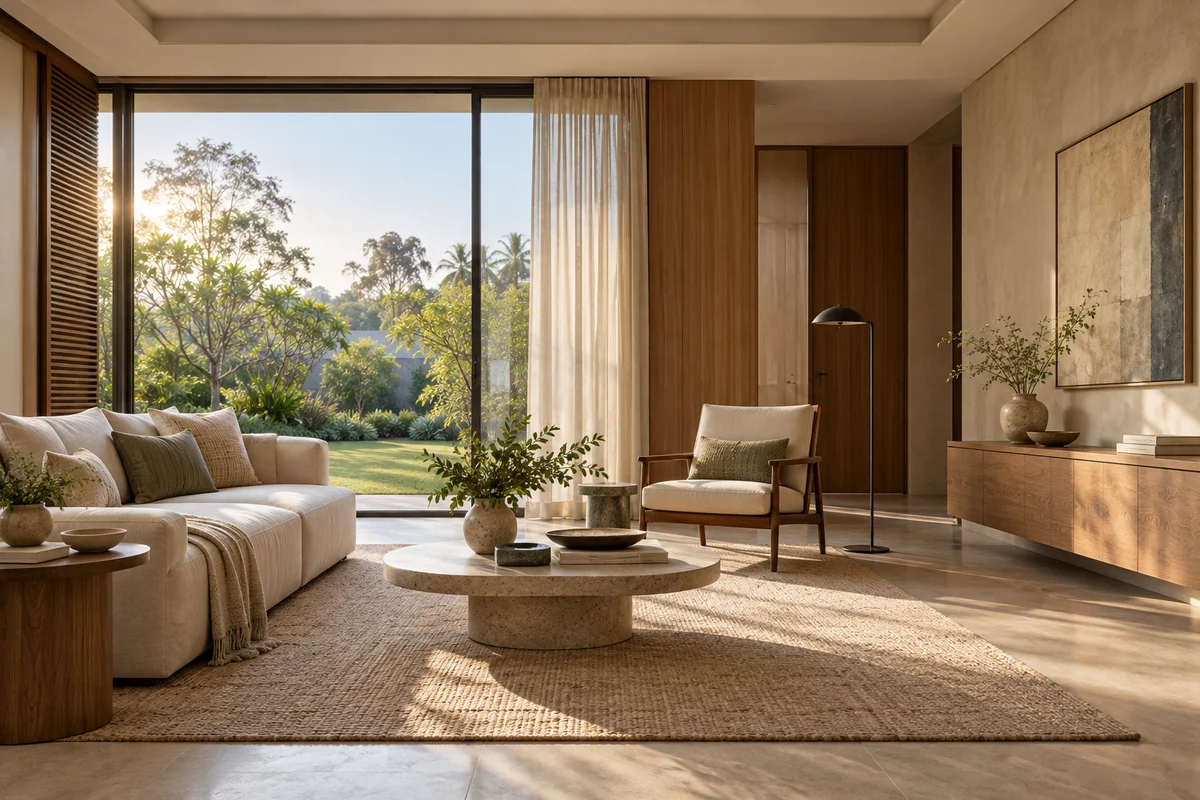
Morning. Daylight leads. A fresh, open room to begin the day.
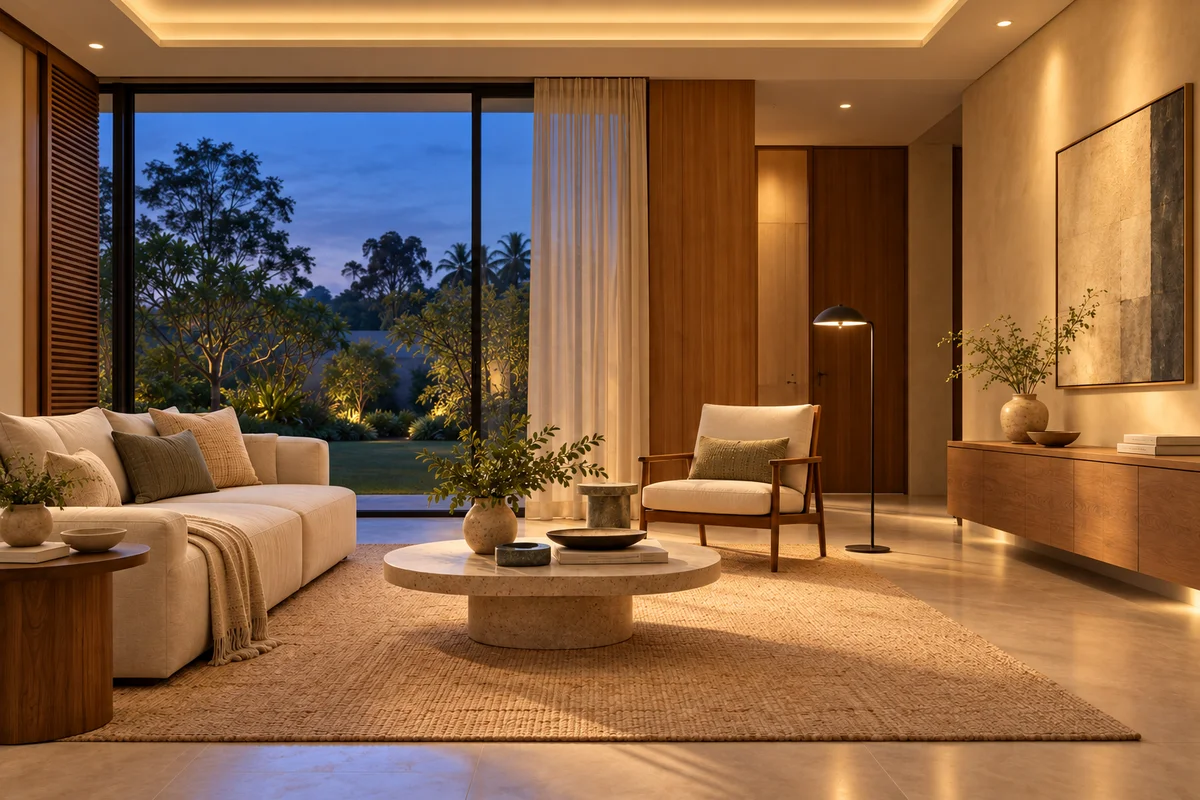
Evening. As daylight fades, warm architectural light brings the room together.
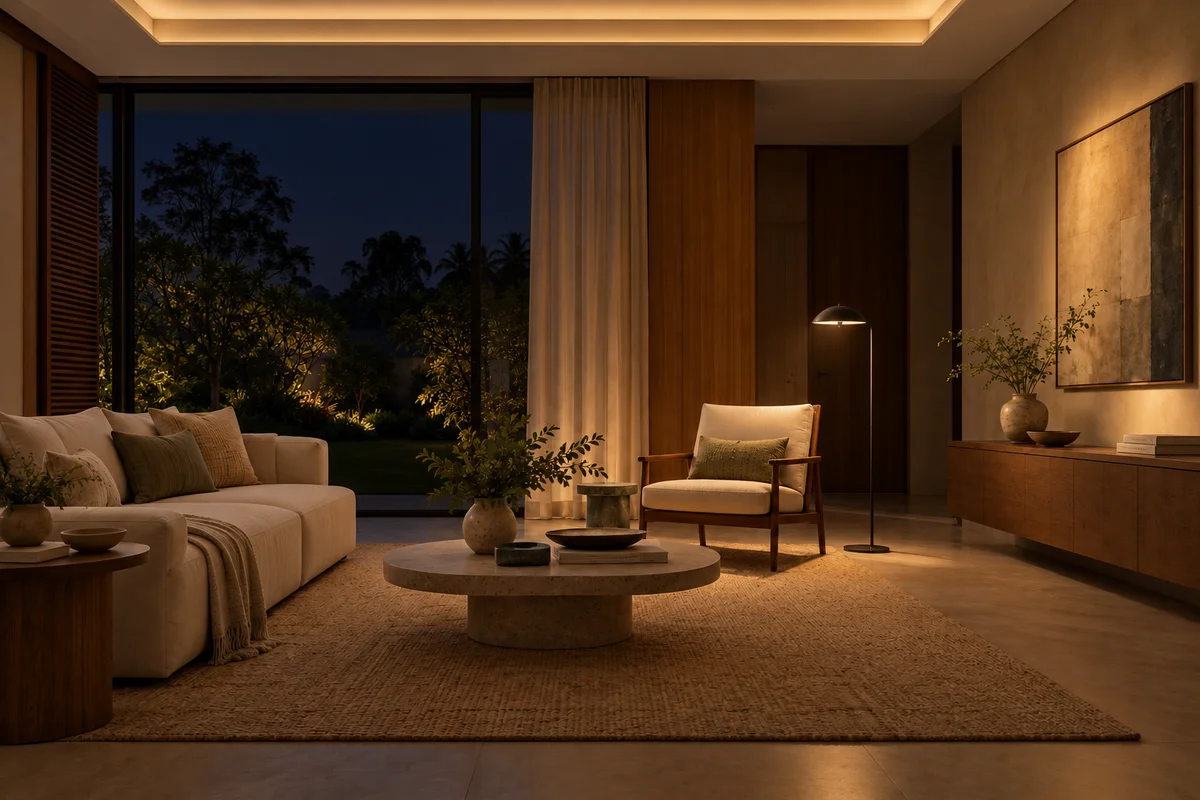
Night. A quieter atmosphere. Soft pools of light against the night outside.
Good automated lighting begins with the architecture and the activities inside it. Controls make those lighting decisions repeatable without asking the room to feel like a control panel.
Each layer has a different job. Switch between the lighting studies to see where the light falls, then bring the layers together.
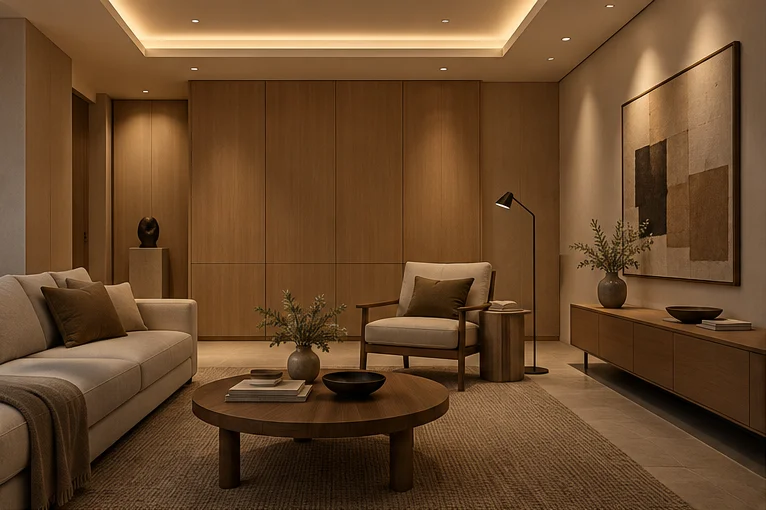
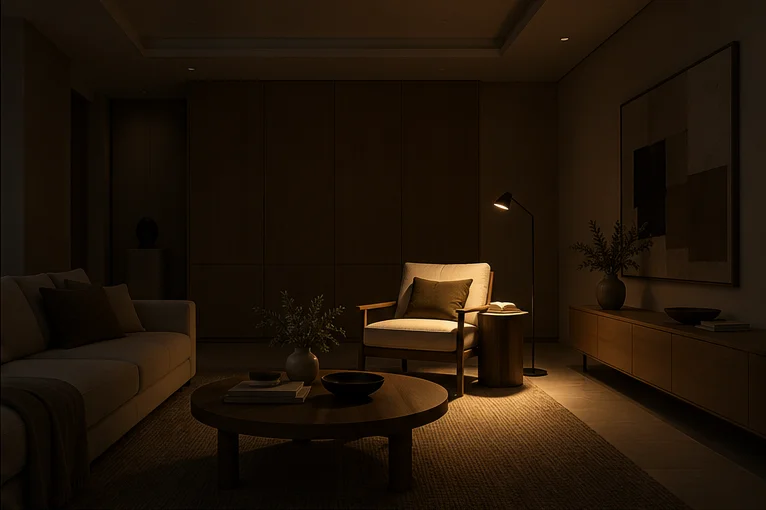
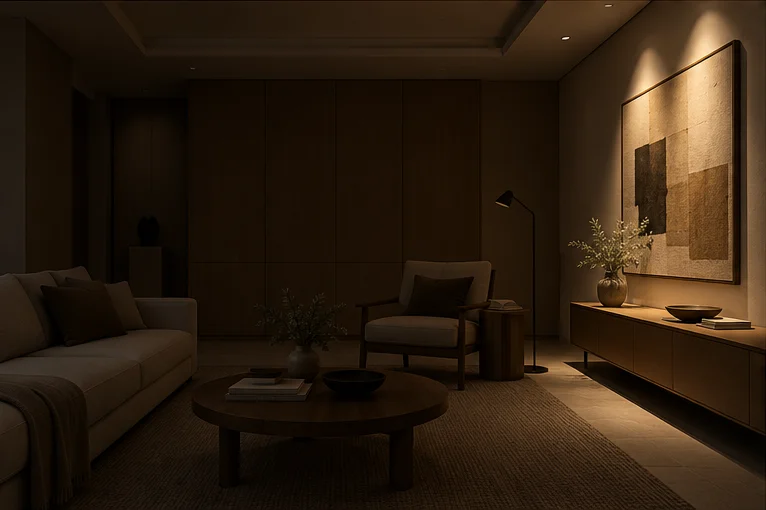
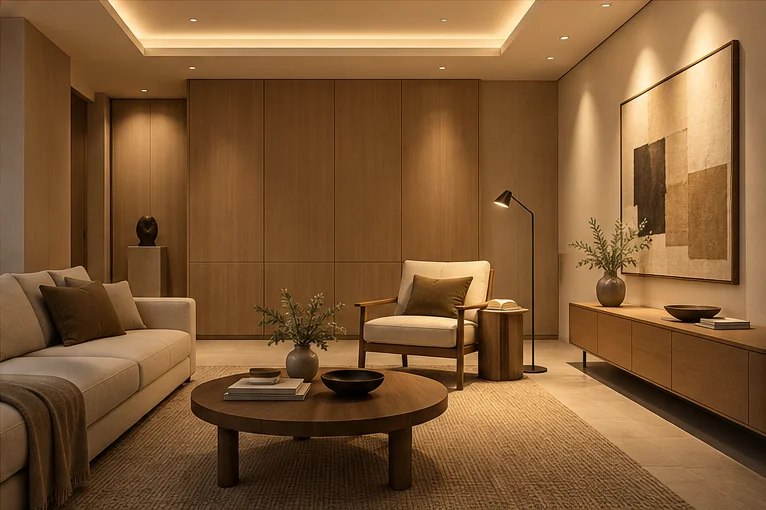
Room study · illustrative lighting, not a project photograph.
The general light that makes the room comfortable to move through and live in.
Focused light at a worktop, reading chair, desk or other place where the room asks for clarity.
Directed light that gives artwork, texture and architectural surfaces a deliberate emphasis.
A reliable result depends on the full path. Every stage is selected and checked for the project rather than assumed from one protocol label.
Toyama’s published range includes DALI, DALI-2, 0–10V, phase-cut and switching. Product, load and infrastructure compatibility is specified for each project.
The room, its surfaces and the intended activities establish the lighting zones before controls are selected.
Ambient, task and accent layers are documented as circuits or addressable groups.Each selected fixture and driver must be checked for load, dimming range and control-method compatibility.
Dimming performance belongs to the complete fixture and driver pairing, not the protocol name alone.Toyama’s published range includes DALI, DALI-2, 0–10V, phase-cut and switching options for selected products and projects.
The final controller, addressing method, gateway and wiring are specified for the project.Configured scenes bring selected zones to useful levels from a wall control, schedule, sensor or compatible app interface.
Available interfaces and any required network components depend on the chosen configuration.Fixture families are selected around the intended light effect, mounting condition and compatible driver. Final models and specifications belong in the project schedule.
Illustrative fixture applications · not Toyama catalogue models. Select a family to explore its role.
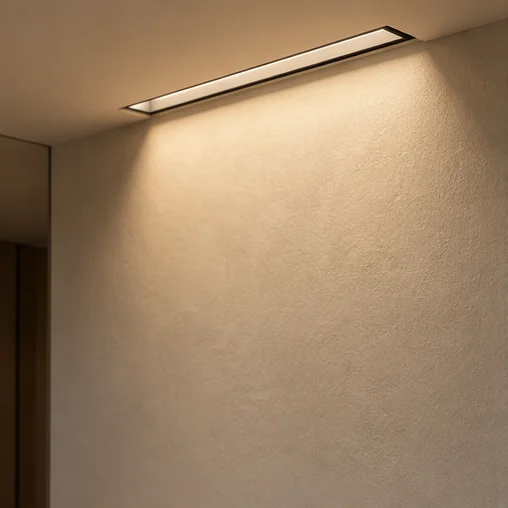 01
01For even illumination across a vertical surface. The final fixture and compatible driver are selected in the project schedule.
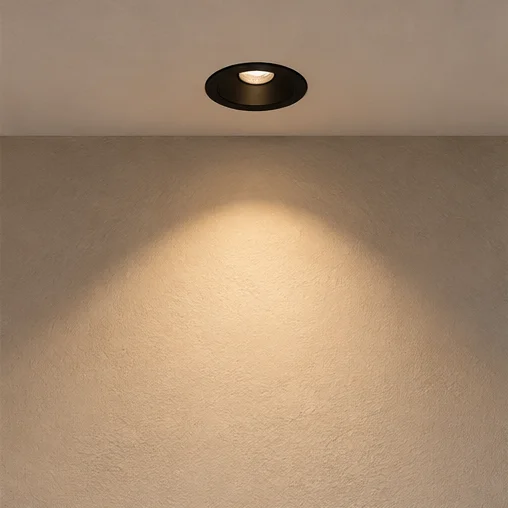 02
02For general or focused light from the ceiling plane. The final fixture and compatible driver are selected in the project schedule.
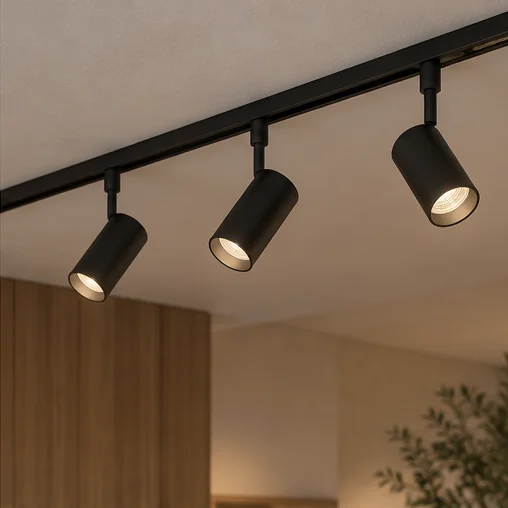 03
03For adjustable light where layouts or displays may change. The final fixture and compatible driver are selected in the project schedule.
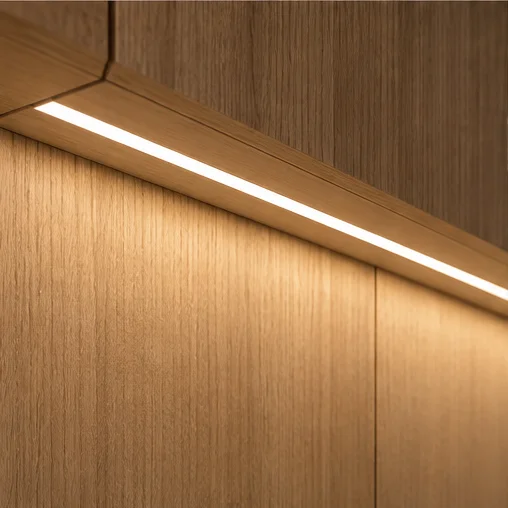 04
04For continuous lines of light integrated with architectural details. The final fixture and compatible driver are selected in the project schedule.
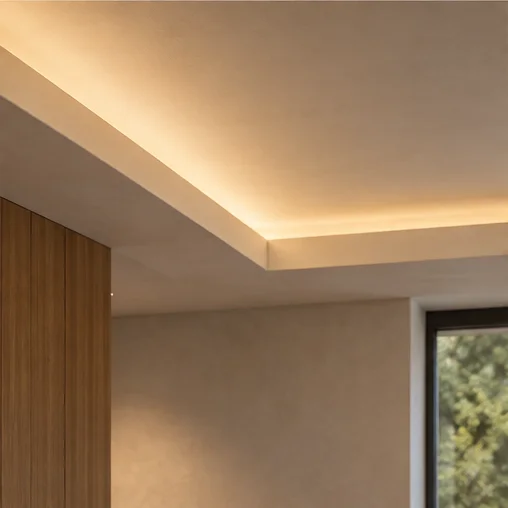 05
05For concealed coves, joinery and other indirect applications. The final fixture and compatible driver are selected in the project schedule.
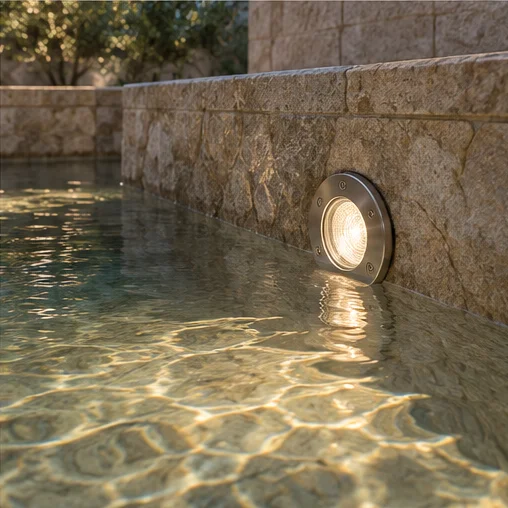 06
06For water-feature applications selected to the project specification. The final fixture and compatible driver are selected in the project schedule.
DALI provides a language for digital lighting control. The quality of the result still depends on compatible hardware, a considered design and careful commissioning.
The driver, LED load and control method must be evaluated together. A protocol label does not guarantee the same low-end behavior across every pairing.
Minimum output and curve smoothness are established with the selected hardware, then adjusted during commissioning where the equipment permits.
DALI can address compatible devices and organise them into groups and scenes. The design determines where individual control is useful.
Naming, grouping, scene levels and fade behavior are tested against the room and documented for the selected project scope.
Move the slider to explore a lower or higher lighting level in the same room study. Actual minimum level, smoothness and colour behavior depend on the selected fixture, driver, controller and commissioning.
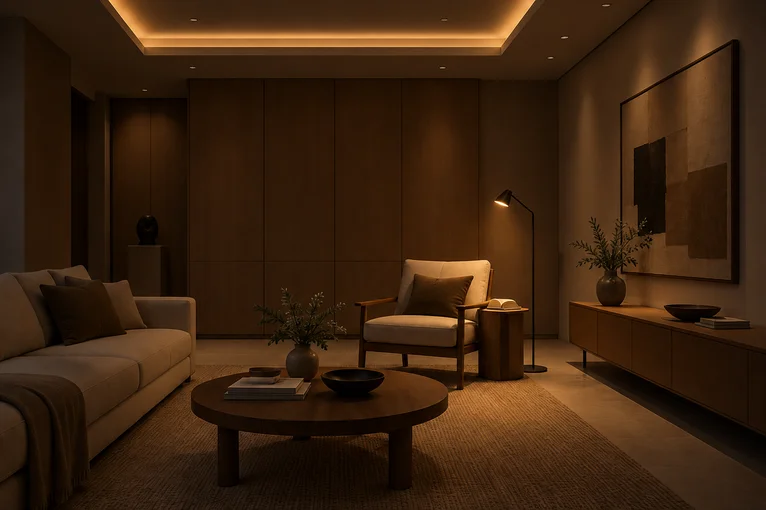
Lighting studies blended for this preview. Percentages are illustrative, not measured light output.
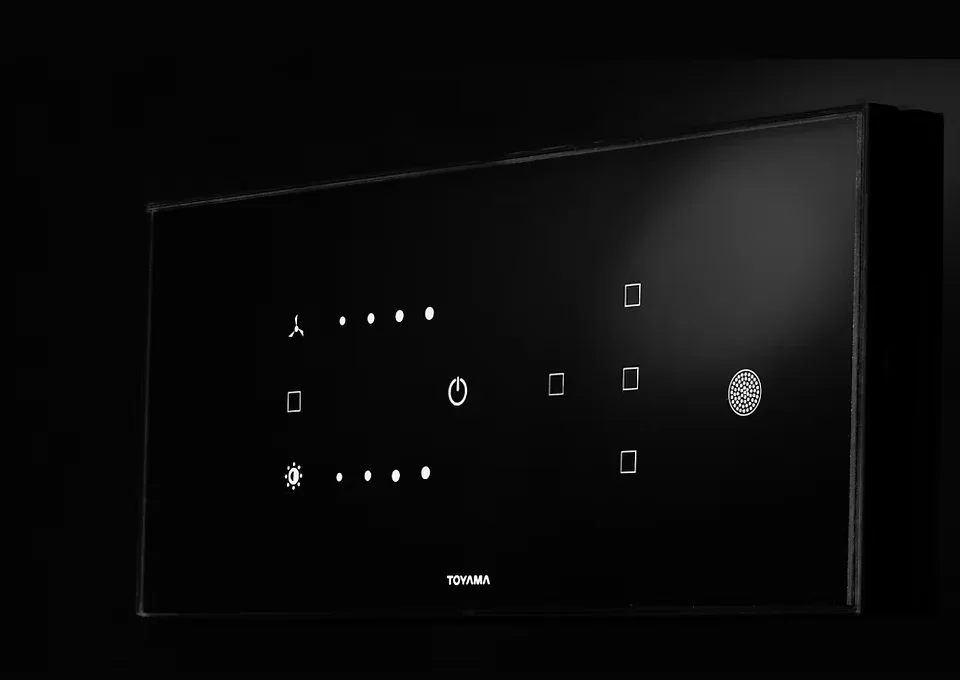
Illustrative scene demo · not a live device connection.
A physical keypad keeps common scenes close to the room. WizHom, compatible integrations, sensors and schedules can extend that control when included in the selected system.
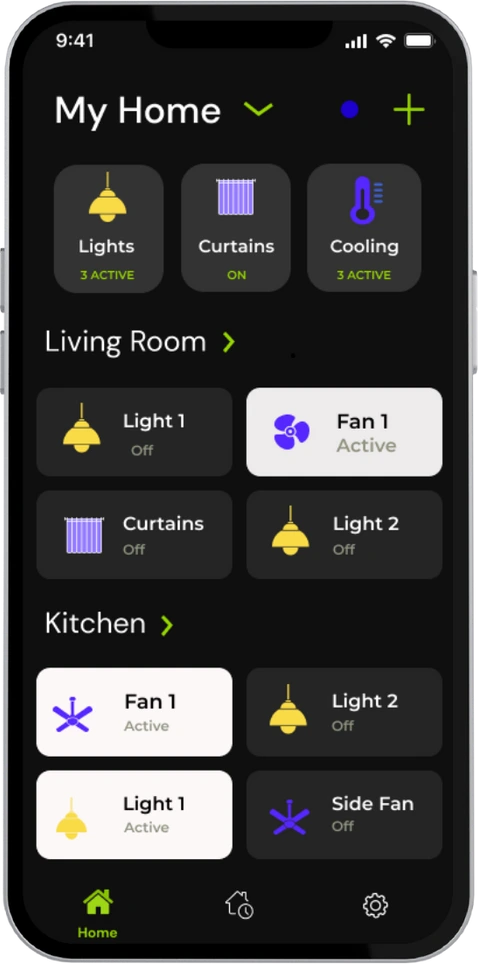 WizHom, alongside the wall control.Explore the connected app interface →Existing app screenshot. Available functions depend on configuration.
 A physical keypad keeps everyday scenes available at the point of use.
The app can bring connected rooms and scenes into a secondary interface.
Automation can recall configured actions when the selected project hardware supports the required inputs.
The value is coordination: understand the intended light, confirm the compatible control path and commission the agreed result.

The lighting loads, control method and interfaces are considered together instead of being treated as separate decisions.
Compatibility and infrastructure are confirmed for the selected products, drivers, network and project conditions.
Toyama’s controls engineering and support team is based in Bangalore, close to the projects it serves.
For homeowners, architects, designers and lighting consultants, the exact deliverables are agreed for the project before work begins.
Review the room schedule, electrical layout, loads and intended control points.
Confirm compatible control methods, interfaces and any required network or gateway components.
Configure and test the agreed zones, groups and scenes as part of the project scope.
Good light begins with how a room is used, then brings fixtures, drivers and controls together. Two practical Toyama guides help you plan that conversation before decisions become expensive.
A practical reference for protecting design intent, from the first brief to the final review.
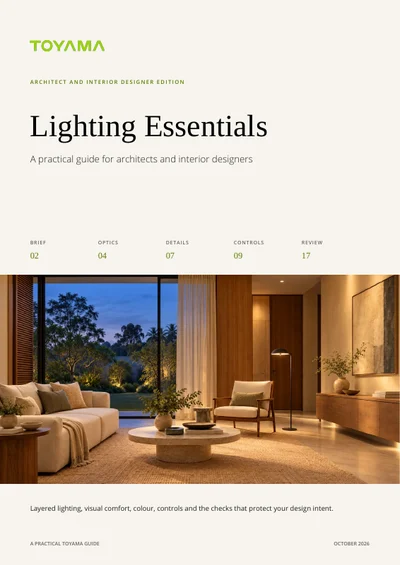
Plan comfortable rooms, ask better buying questions and avoid expensive changes after the ceiling closes.
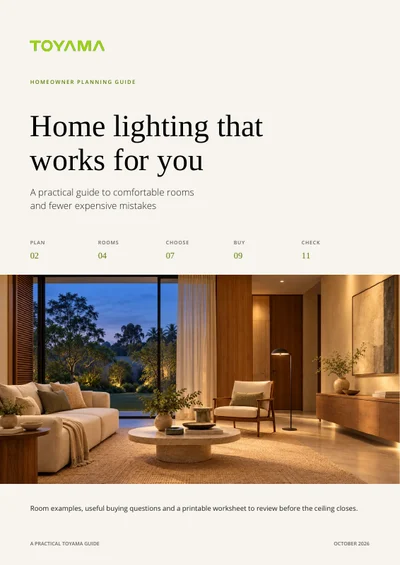
Tell us about the rooms, project stage and controls you are considering. The team can review the requirements and discuss a suitable next step.
Call
+91 96866 30787